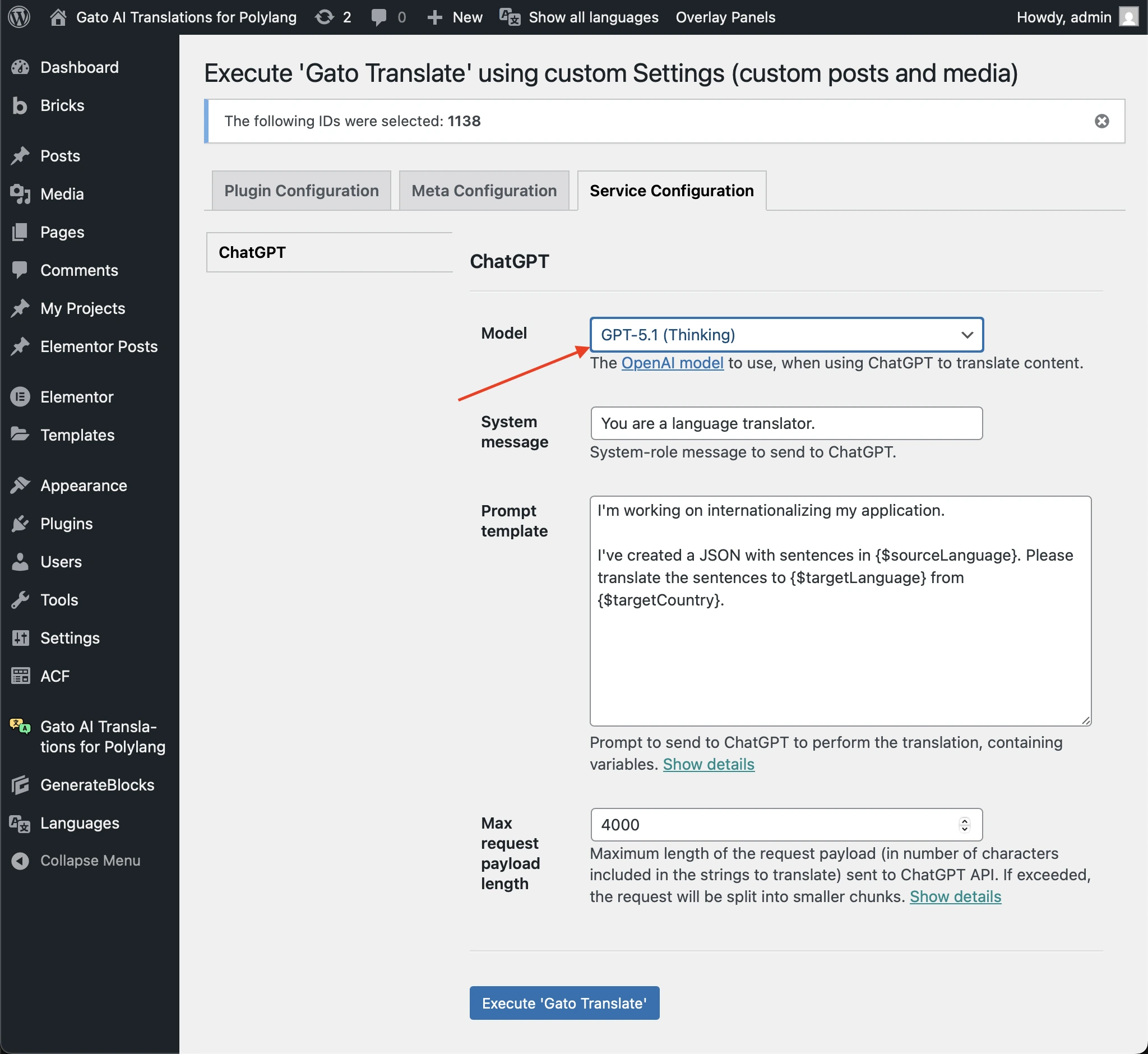
Re-triggering failed translations
Whenever a translation fails (due to the API going offline, having an invalid API key, running out of credits, etc), you can re-trigger translating that entry and language only, and avoid spending API credits for translations that were successful.
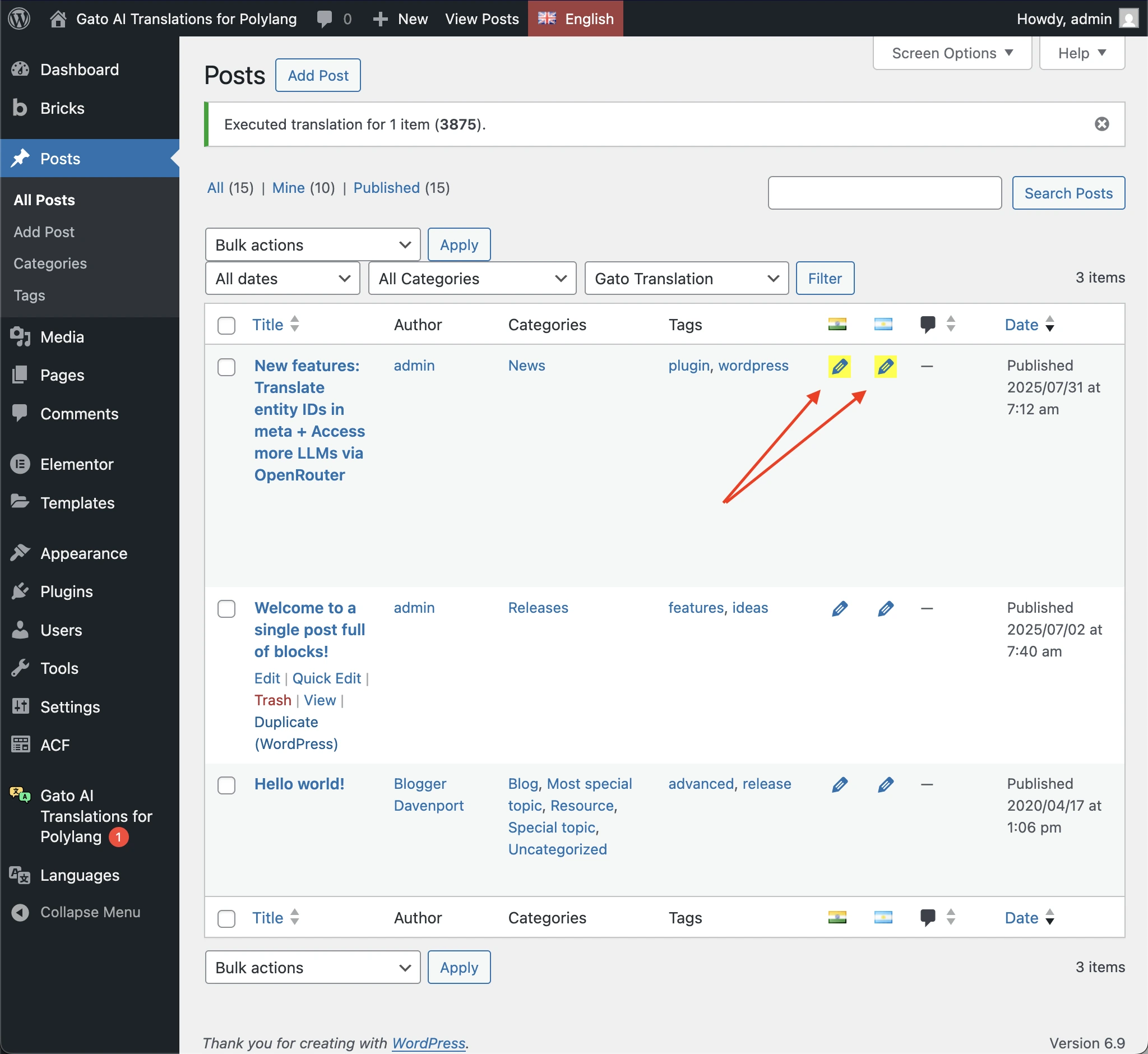
You will notice that an entry/language has failed translating as these are highlighted with a yellow background on the Polylang edit icon in the list pages:
You can also filter to show only entries with failed translations (in the Posts and Media list pages only):
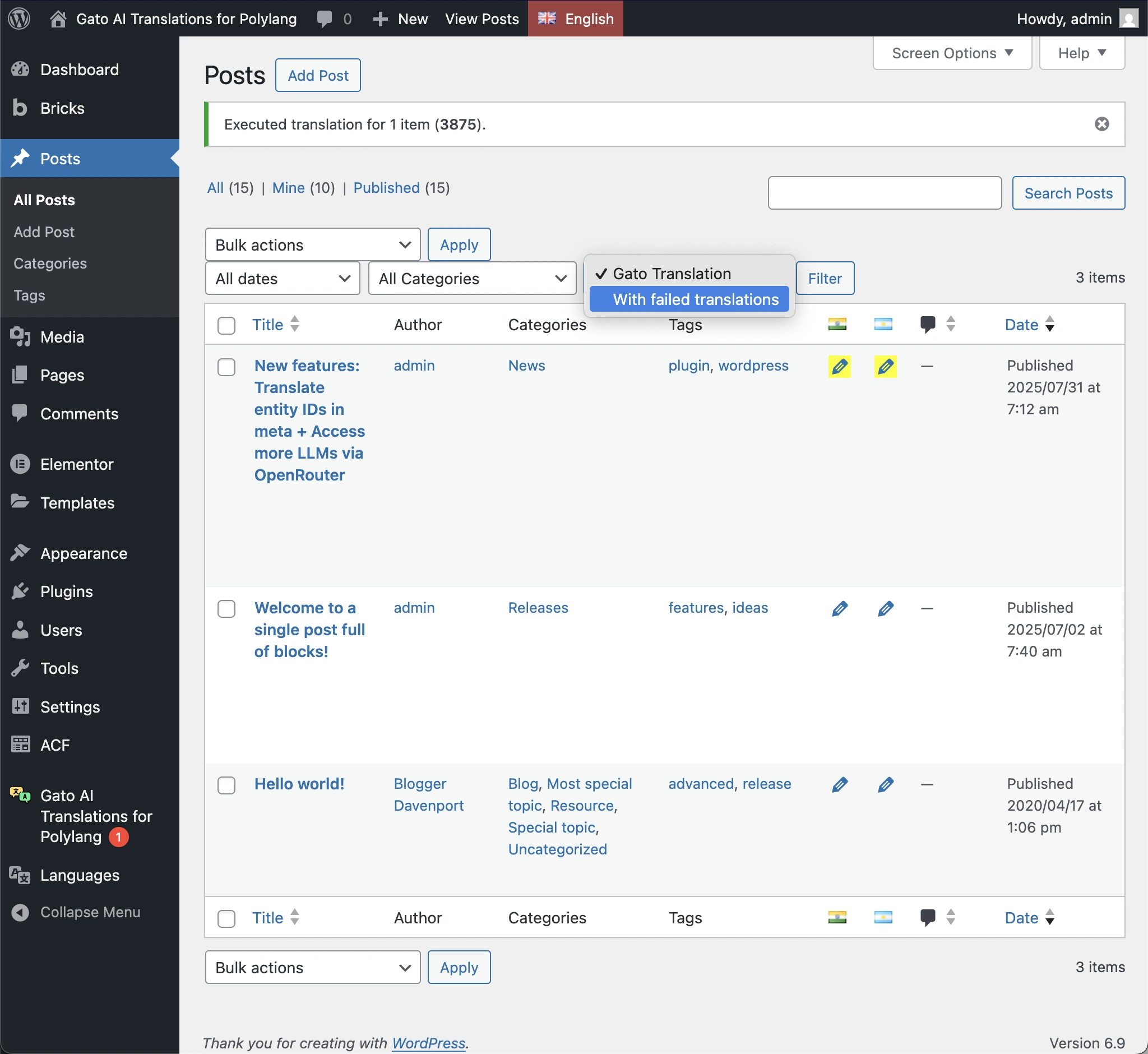
Filtering these entries allows you to easily re-run the translation for all of them at once.
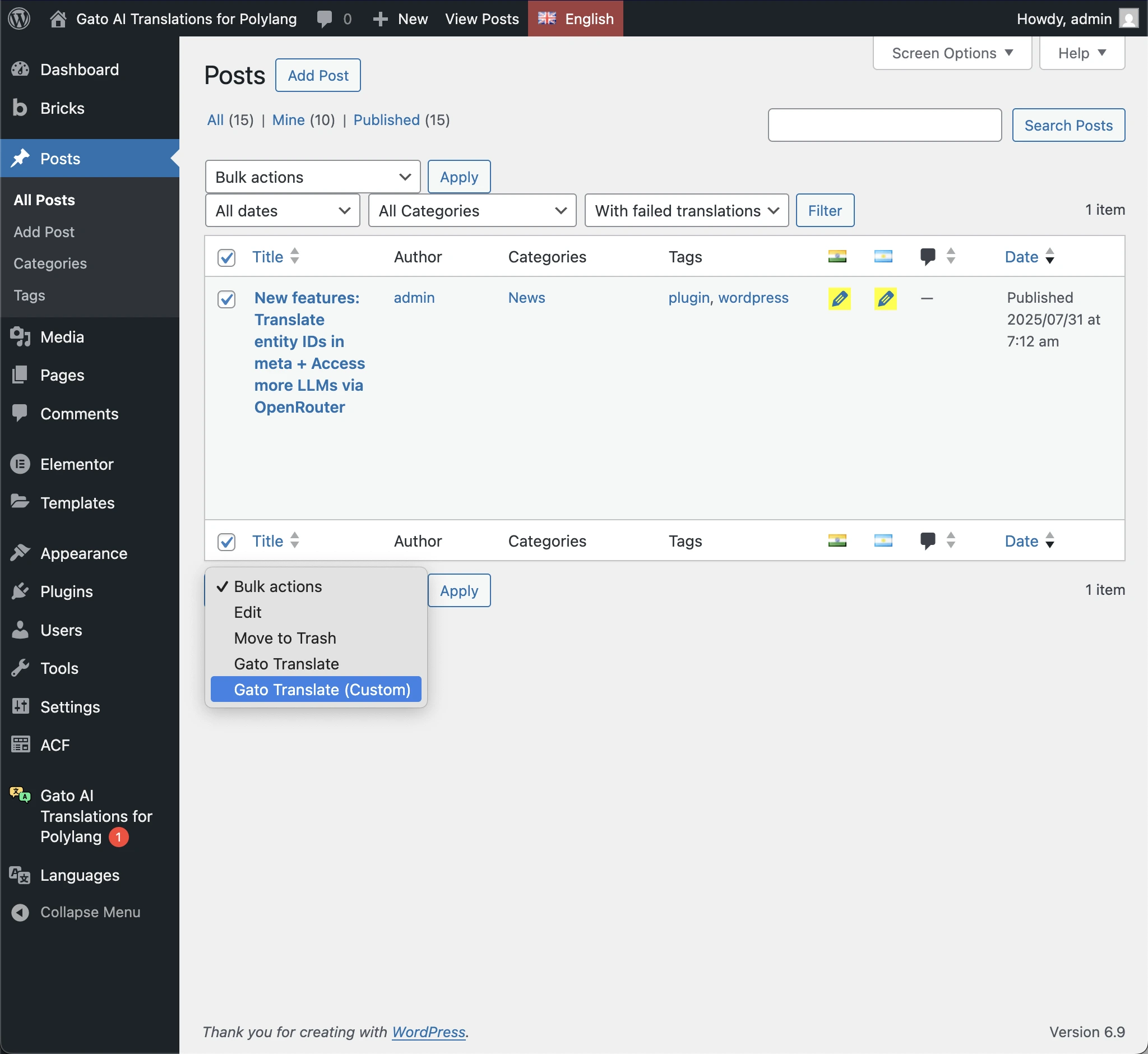
Finally, re-run the failed translations by executing the Gato Translate (Custom) bulk action selecting the Process failed translations only option:
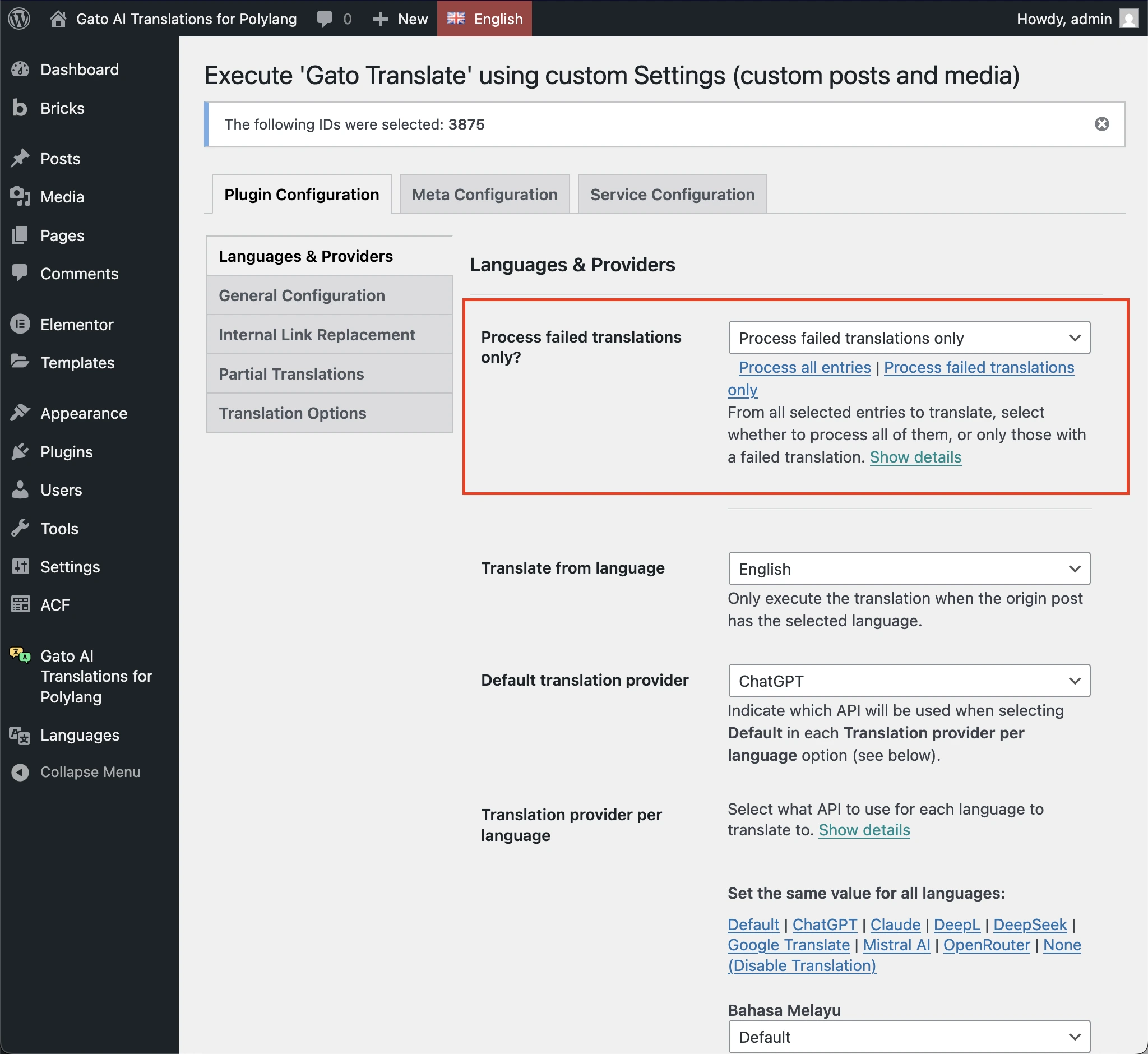
If using WP-CLI, you can re-trigger failed translations using the --process-failed parameter.
Tips
Identifying the failed translations
If you wish to understand why a translation failed, you can do so.
When a translation fails, there will be an 🔴 Error notification badge displayed in the plugin menu.
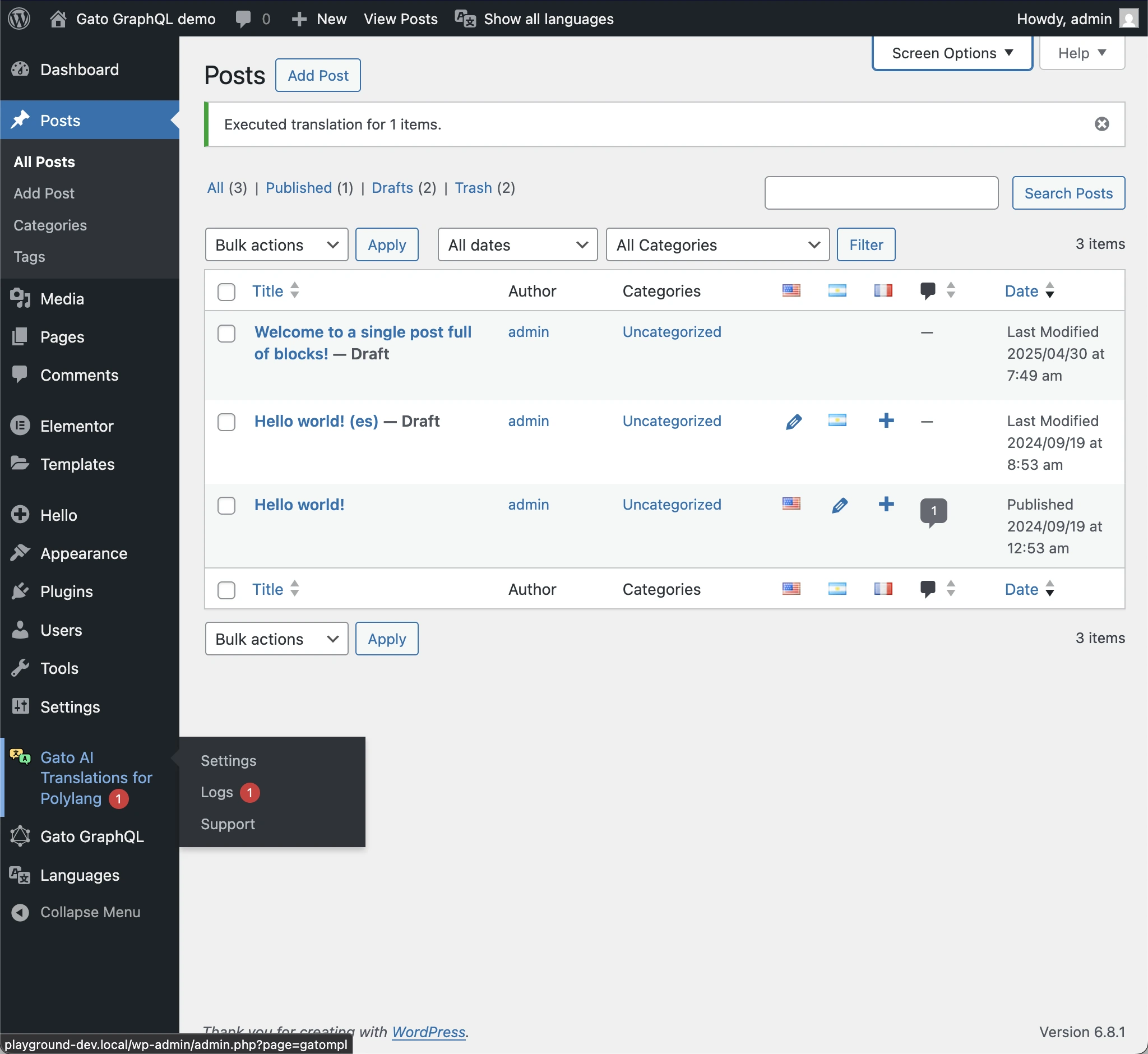
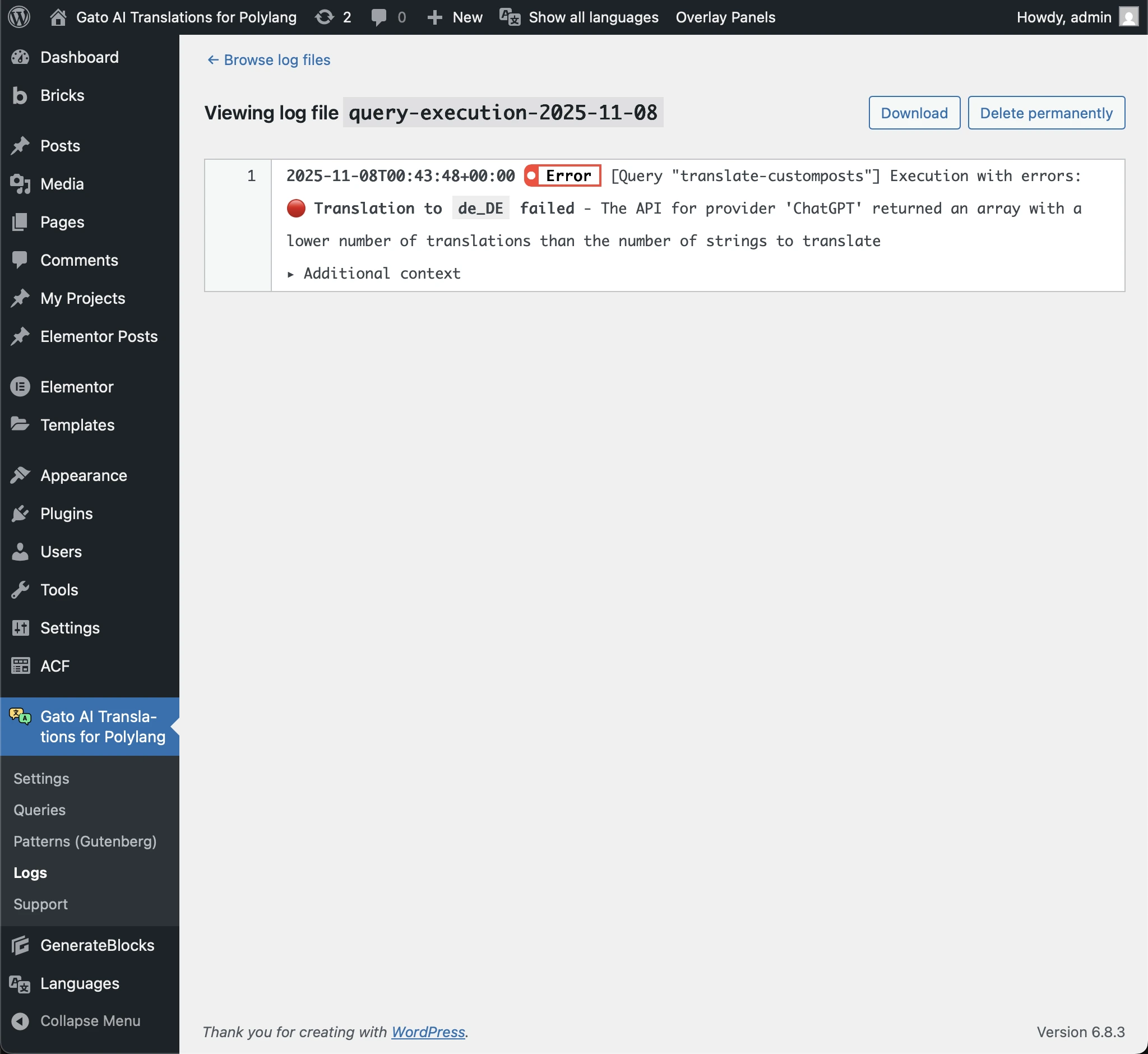
Going to the Logs menu item, under the query-execution entry, you will see the error message. It may be that the translation for one or more languages failed.
In this screenshot, the translation failed for German, due to ChatGPT returning a lower number of translations than expected:
In this case, all translations failed, due to the API endpoint going offline:
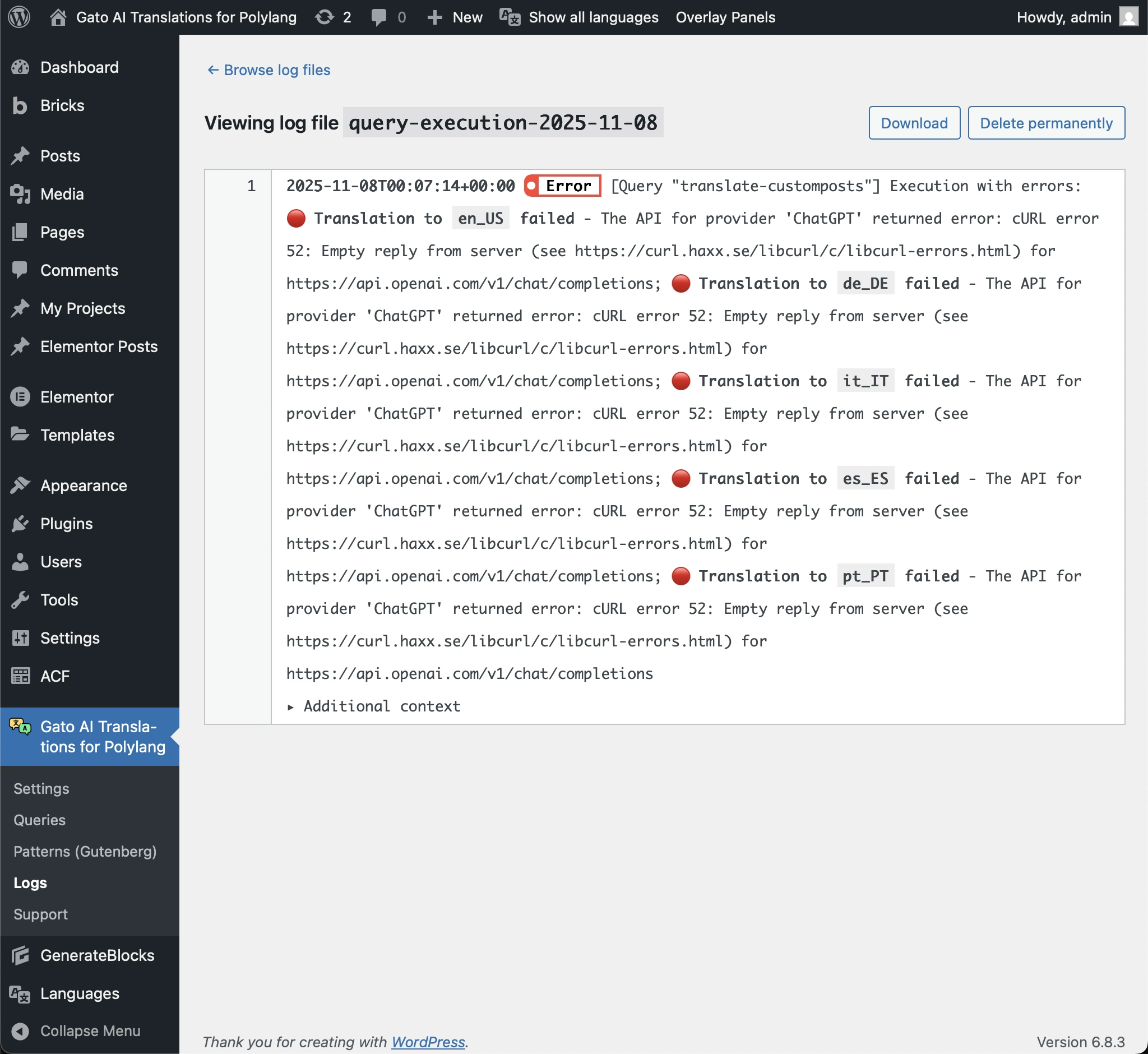
Here, the translation failed for Italian and Spanish, due to a combination of issues:
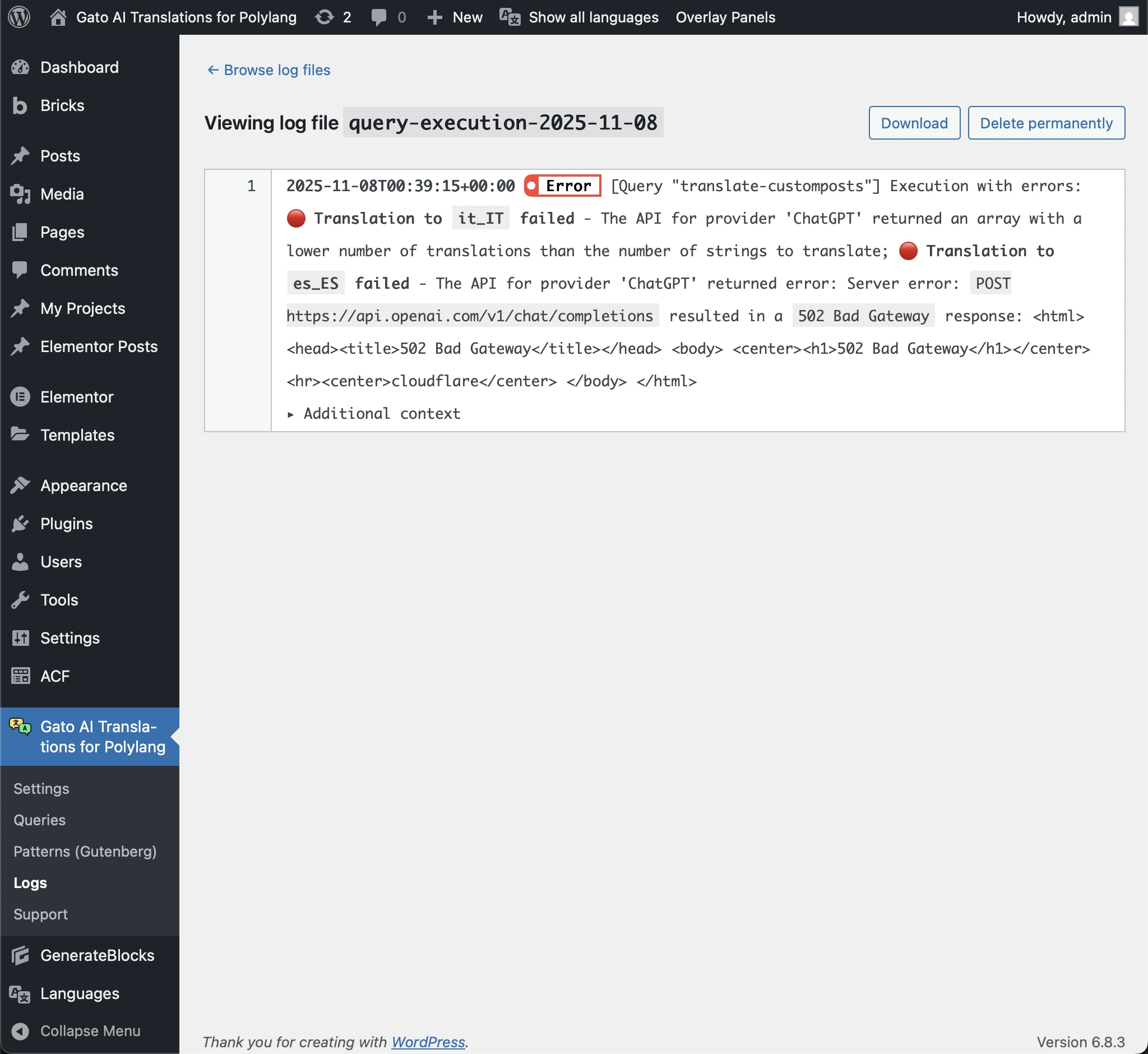
From the log message, we can identify the failing language(s), as to re-run the translation for them only, and avoid unnecessarily spending API credits.
Not re-translating the post slug
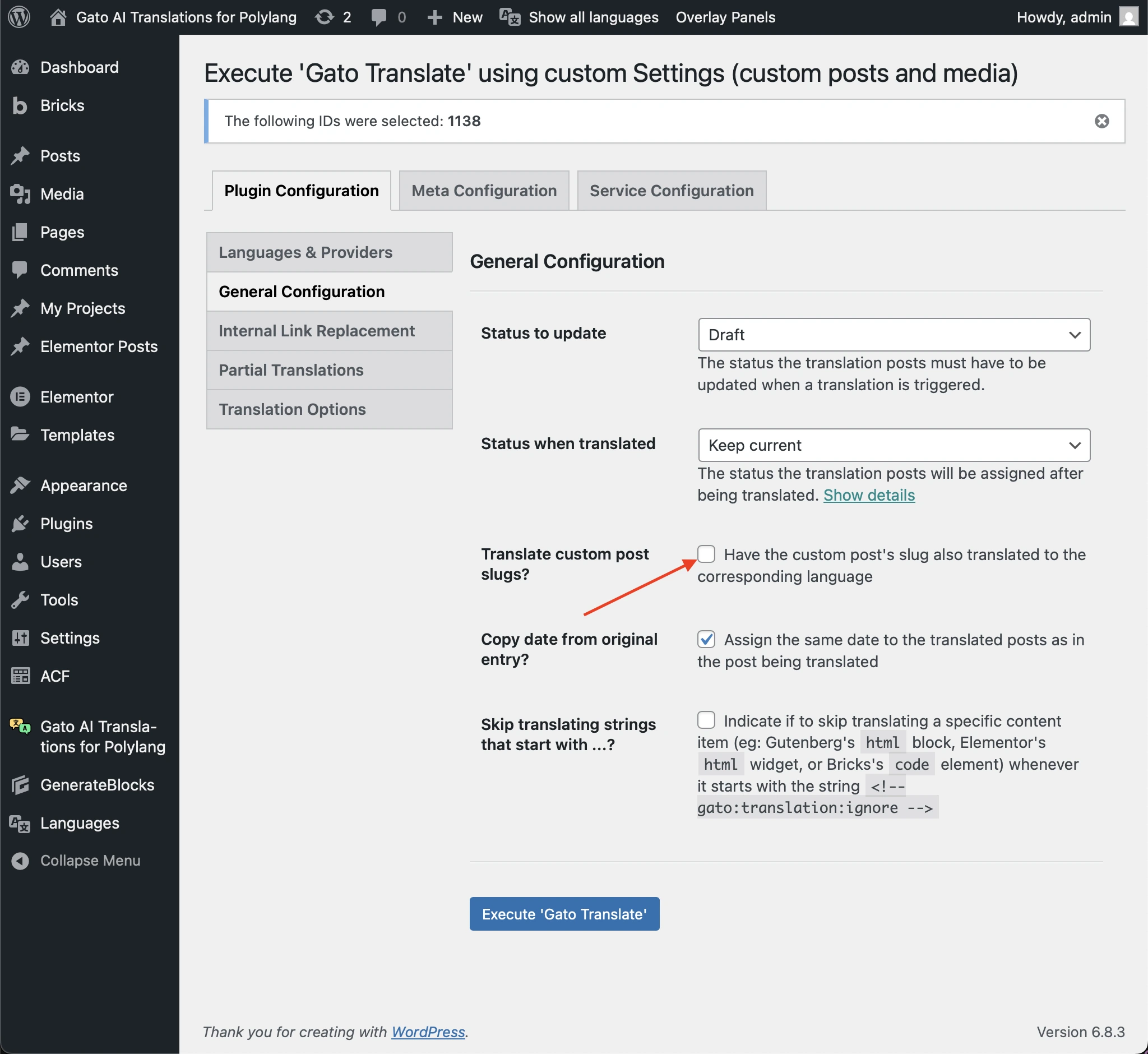
If the translation that failed was a post update on its content only, and you had already run the Replace internal links action, you may want to avoid re-translating the post slug, so that links pointing to the post are not broken.
To do that, in the custom Settings, uncheck the Translate custom post slugs? option:
Switching to a better model
If the translation failed because the model is not reliable, you can switch to a better model.
For instance, the following error message:
The API for provider 'ChatGPT' returned an array with a lower number of translations than the number of strings to translate ...happens most likely when using ChatGPT-5 mini, but not with ChatGPT-5 or better models.
Then you can switch to any of these better models when re-triggering the translation.