

Translating users
Gato AI Translations for Polylang can translate user descriptions to all configured languages.
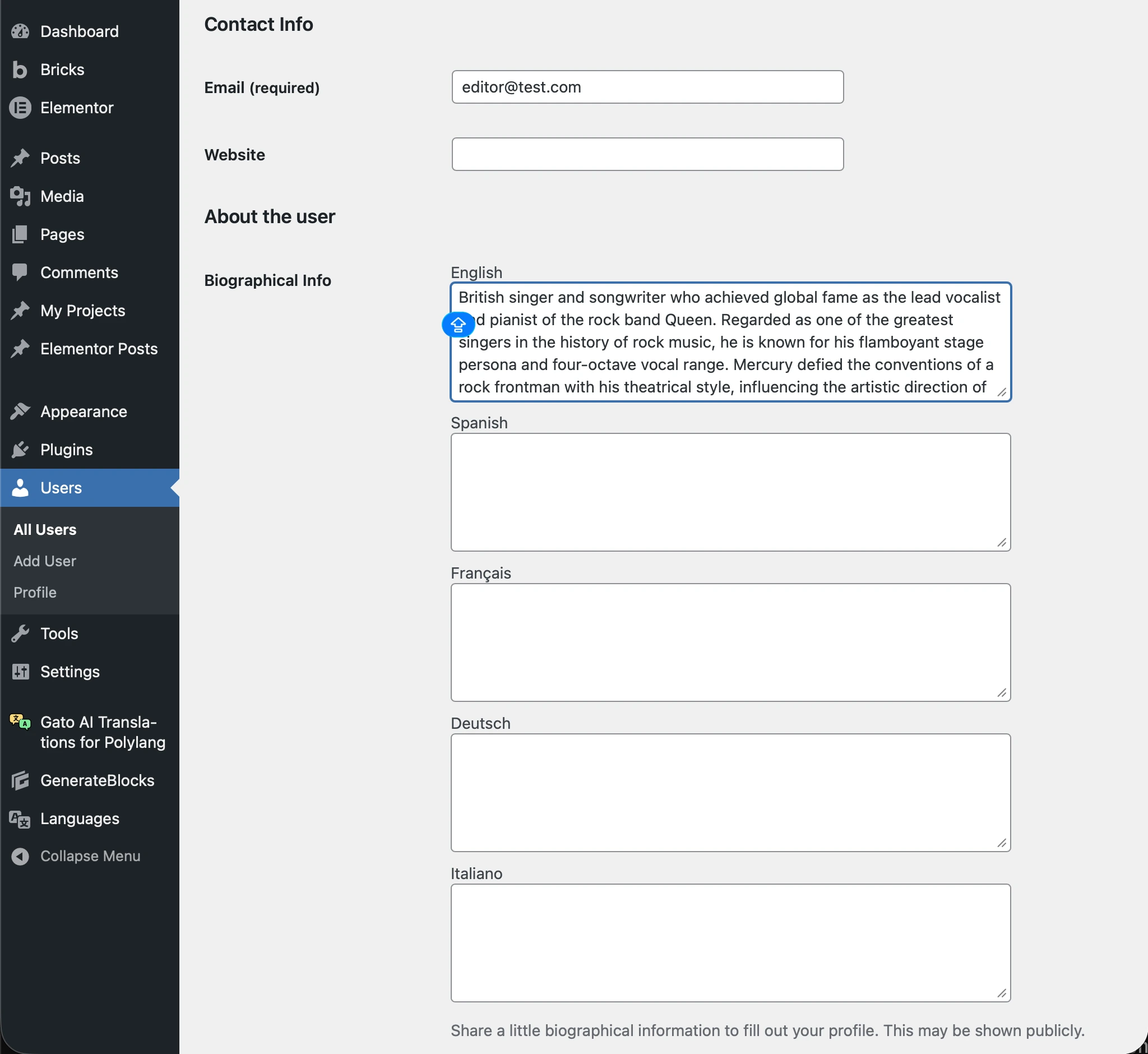
To translate user descriptions, you only need to fill in the description field in the origin language. The plugin will then translate it to all configured languages.
Edit the user profile and add the description in the origin language.
Manual translation
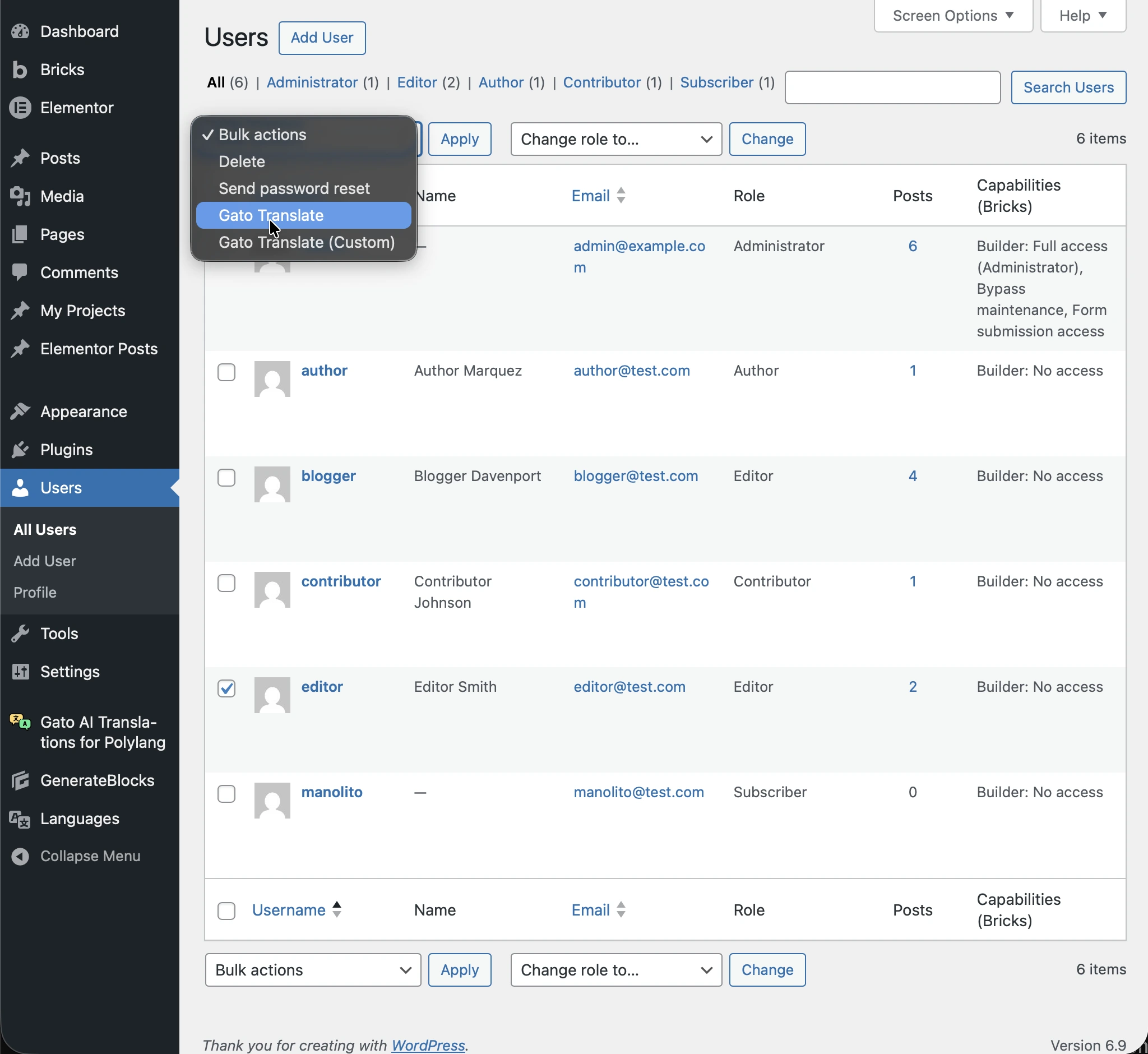
Go to the Users list page, select the users you want to translate, and choose Gato Translate from the Bulk Actions dropdown, then click Apply.
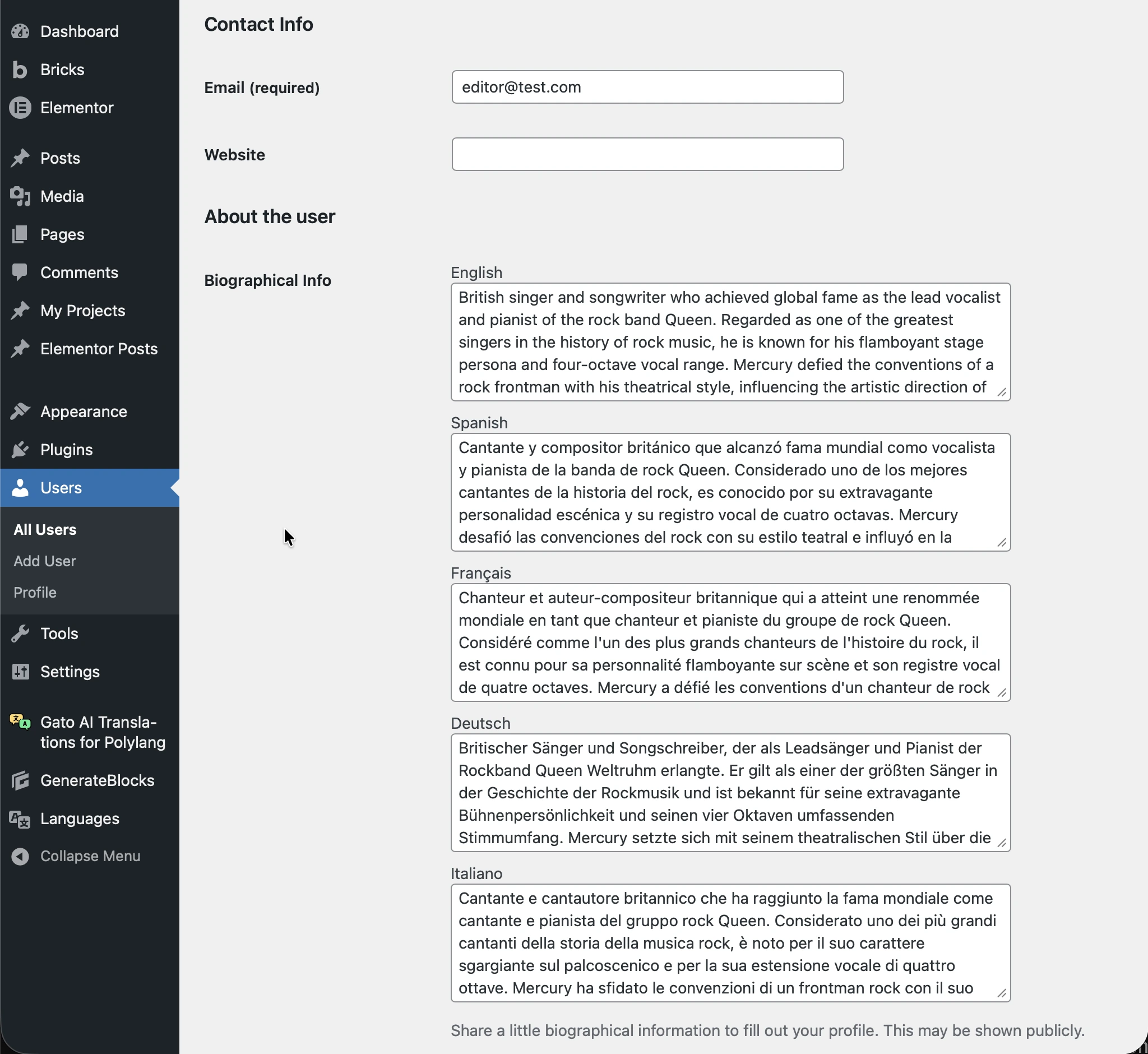
After the translation completes, the user description will be automatically translated to all configured languages. When viewing or editing the user profile in a different language, you'll see the translated description.
You can also translate users via WP-CLI using the wp gatotranslate user command.
Automatic translation
To translate user descriptions automatically, you can enable the Automatic translation for Users option in the Plugin Configuration > Automatic Translation tab in the Settings.
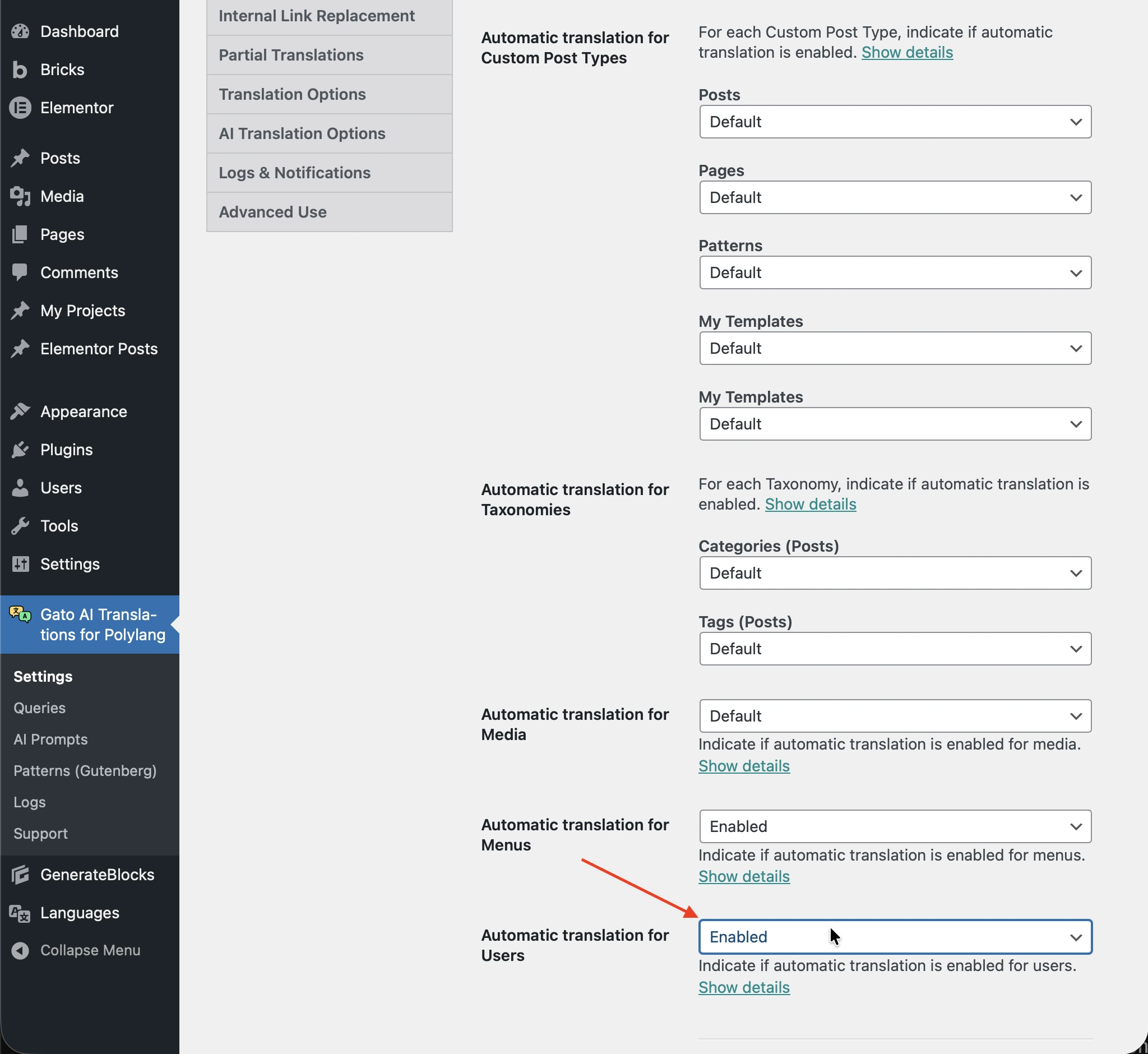
The translation will be triggered when a user with a description is created.
The Add User screen does not provide the description field, so the automatic translation would be triggered when the user is created by other means (eg: API, WP-CLI, etc).