ConfigurationUsing a self-hosted LLM
Using a self-hosted LLM
You can use a self-hosted LLM (eg: via Ollama) to translate content.
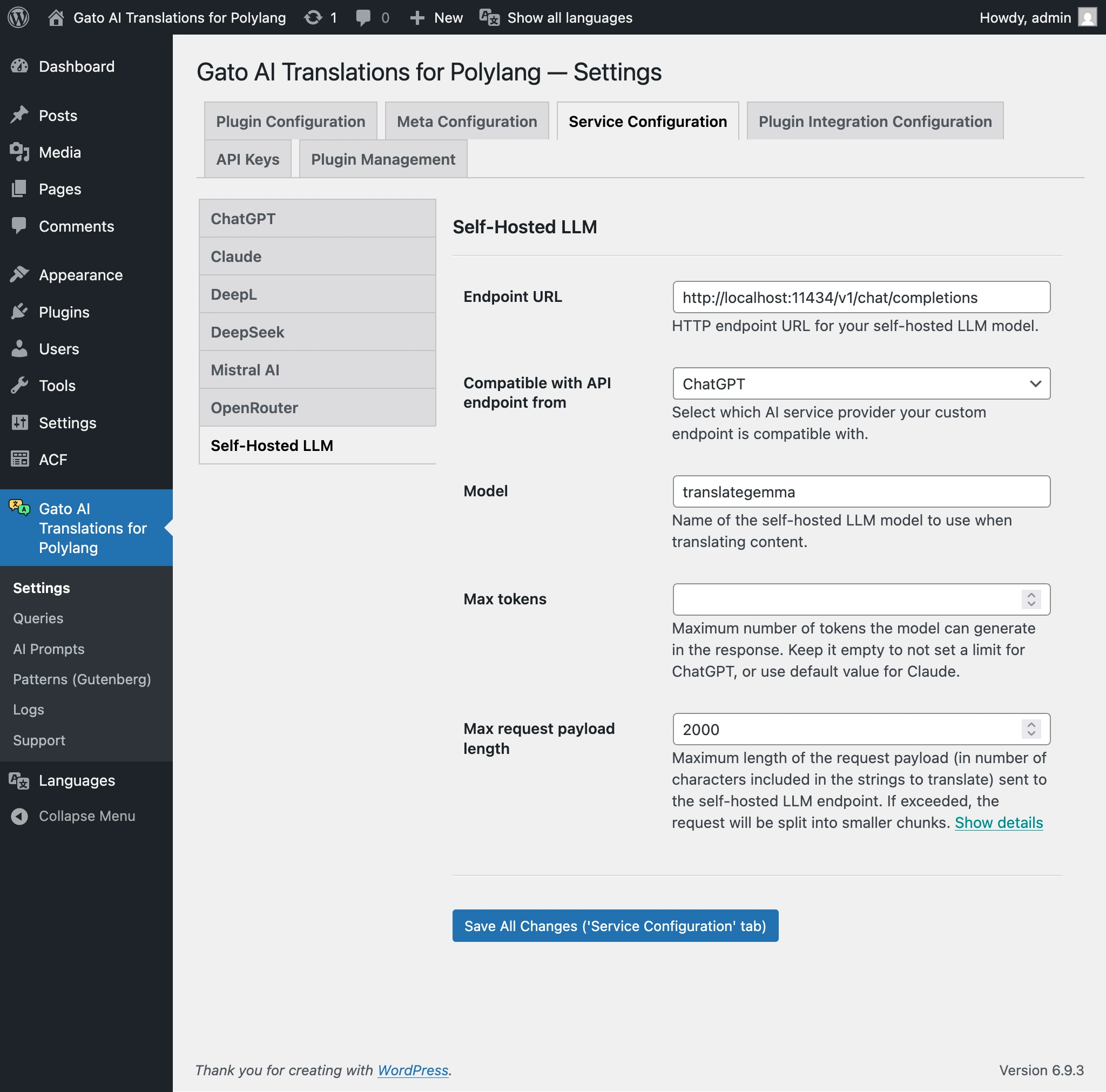
Go to the Settings page in Service Configuration > Self-hosted LLM, and configure the values.
| Setting | Description |
|---|---|
| Endpoint URL | HTTP endpoint URL for your self-hosted LLM model. See examples below. |
| Compatible with API endpoint from | Which AI service provider your custom endpoint is compatible with: ChatGPT or Claude. |
| Model | Name of the self-hosted LLM model to use when translating content. |
| Max tokens | Maximum number of tokens the model can generate in the response. Leave empty for no limit (ChatGPT) or use the default for Claude. |
Endpoint URL examples:
| URL | Description |
|---|---|
http://localhost:11434/v1/chat/completions | ChatGPT format, Ollama on your server |
http://localhost:11434/v1/messages | Claude format, Ollama on your server |
https://ollama.com/v1/chat/completions | ChatGPT format, Ollama Cloud |
https://ollama.com/v1/messages | Claude format, Ollama Cloud |
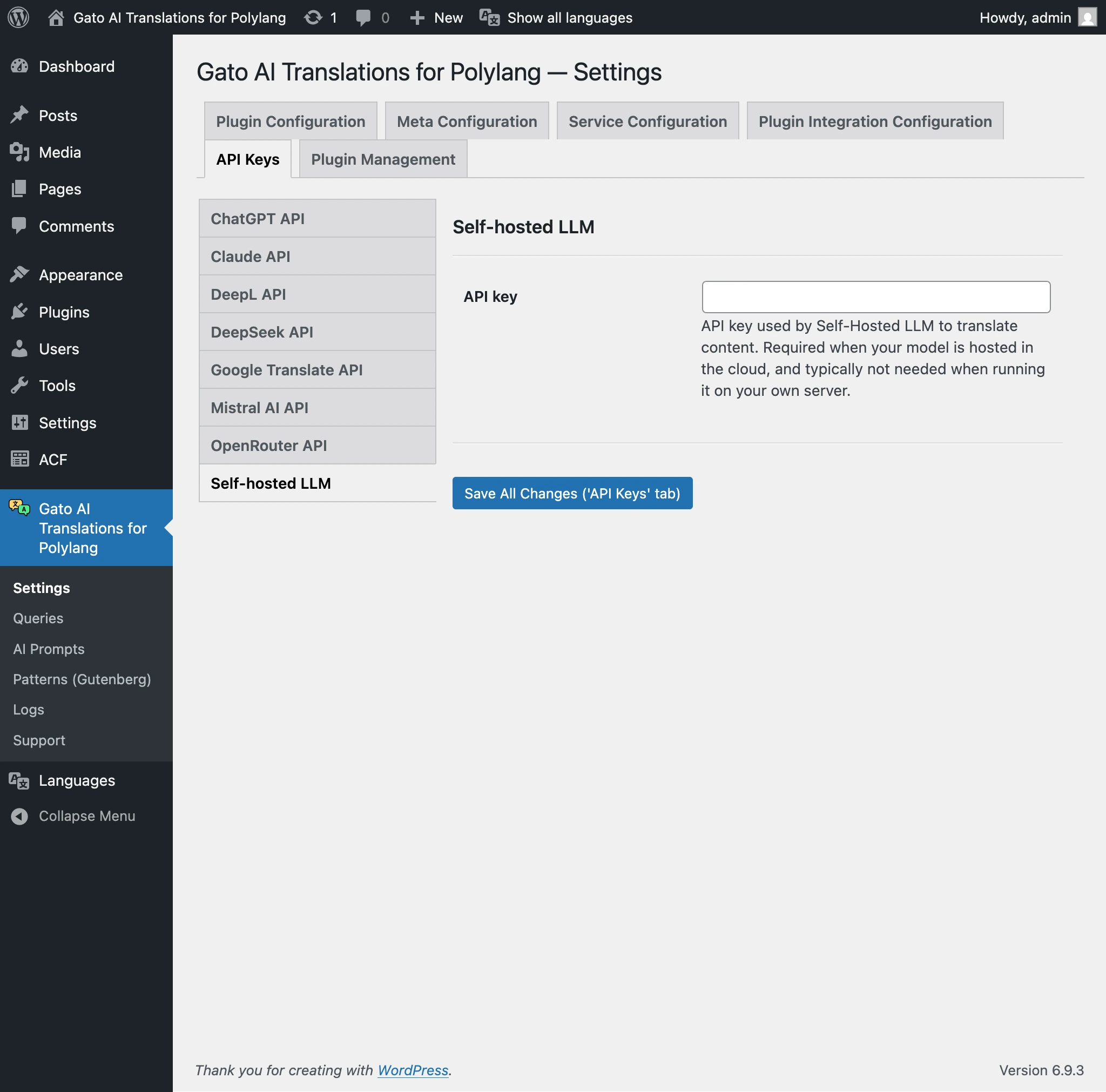
If you're hosting the LLM under your own server, you will not need the API key.
If you use your self-hosted LLM in the cloud (eg: when using Ollama Cloud), you may need to provide an API key, via tab API Keys > Self-hosted LLM on the Settings page.